Choose a Robot Vacuum for Local Cleaning
Robot Vacuum Mk I costs $250 and cleans 19 world hexes around its dock, while Robot Vacuum Mk II costs $500 and cleans 37. Both work within a fixed local area and return collected Dust to a dock that packs it into capsules for a Conveyor.
Robot Vacuum Mk I vs Mk II
| Option | Details |
|---|---|
| Robot Vacuum Mk I | $250; 19 world hexes, two rings around the dock. |
| Robot Vacuum Mk II | $500; 37 world hexes, three rings around the dock. |
The choice is mainly about how much dirty ground you can put within reach of a dock. Choose Mk I for a cheaper local setup, or Mk II when its larger footprint reaches useful uncleared terrain. Check the ground around your planned position before paying for coverage that would mostly overlap areas you have already cleaned.
Keep a separate budget for the route that carries capsules away. A good cleaning position can still be awkward to connect to the Depot, especially when the dock is remote. Compare the terrain and the connection to an existing Conveyor together; a slightly closer site may give you a more practical installation.
Plan the Dock and Delivery Route
The Building Tool costs $50 and opens the construction options used for automation. Before placing the vacuum, choose an uncleared area with room for the dock and an outgoing Conveyor. Plan an accessible path toward the Depot so you can orient the capsule output before committing to the placement.
Treat the dock as the center of the cleaning job. The robot's range is measured around that dock, so fresh ground elsewhere on the Moon does not help an installation surrounded by clean hexes. Have a clear delivery plan before spending the rest of your money on another machine.
Connect the Dock to the Depot
- Equip the Building Tool to access the construction options needed for your Robot Vacuum installation.
- Choose a dock position whose coverage reaches mostly dirty hexes, giving the robot useful local ground to clean.
- Rotate the dock so its capsule output faces an accessible route toward the Depot, making the outgoing connection easier to reach.
- Place the dock at the planned position, leaving enough space for the outgoing Conveyor and its capsule route.
- Start a Conveyor at the dock's output, following the arrows away from the machine so capsules travel toward your delivery route.
- Extend the Conveyor into the Depot's receiving area, completing the connection that allows collected capsules to be delivered and sold automatically.
- Wait for the vacuum to collect Dust and return to its dock so the installation has a load ready to release.
- Follow a released capsule along the entire belt to the receiving point, checking that it arrives instead of stopping along the way.
- Check your balance after delivery; under patch 1.0.3, confirm that the displayed payment reaches the balance before expanding the installation.
A working setup gives you distinct signs: dirty ground becomes clean, capsules travel along the belt, and delivered material produces money. Check the whole route before leaving the robot to work while you do something else. If cleaning continues without a payout, follow the capsules to find where delivery stops.
Check Whether the Local Area Is Finished
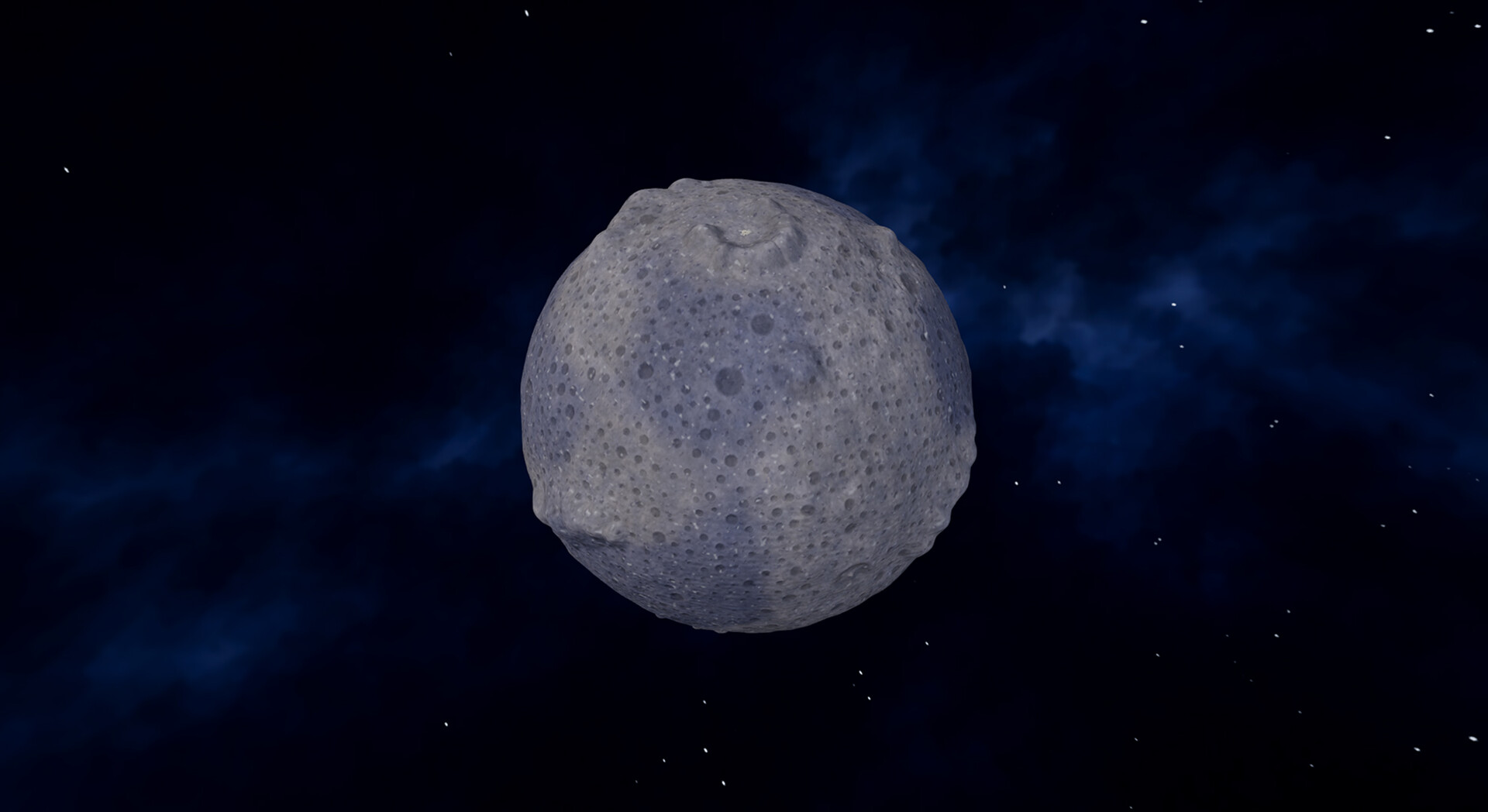
Open the Moon Map from a station's main console to compare started areas with completed sections. Blue ground on that map has been started but remains incomplete, and a surface that looks mostly gray can still contain Dust. Use the map's cleaning state rather than the appearance of the landscape alone when deciding whether the robot has finished its reachable area.
A vacuum that has cleaned all the dirty hexes within its assigned coverage can stop normally. Dirt beyond that range does not mean the robot has failed, because the dock does not gain extra cleaning reach from a longer Conveyor. Once its local work is finished, plan a dock location that reaches fresh terrain.
Find Why Cleaning or Payments Stopped
When work stops, check the cleaning area separately from the route carrying its Dust. A robot can remove dirt successfully while capsules fail to reach the Depot, and a stopped processing machine can interrupt a longer installation. Start at the earliest point where progress or material movement stops, then inspect that part of the route.
- Dirty hexes remain within reach: inspect the assigned area before assuming completion. If capsules stop at connected machinery, check that machine's power supply and stored charge.
- Robot cleans but money does not arrive: follow a capsule from the dock. Extend or reconnect an unfinished belt, check travel direction, and confirm delivery at the Depot.
- Capsules accumulate before processing: find the first queue that does not shrink. Check the blocked route or the machine at that point before adding more collection.
- Processing stops as stored energy falls: inspect the power display, generation, connected demand, and stored charge. Solar output can fall to zero at night while batteries supply connected machines.
Correct the first failing connection or machine, then let a complete batch reach the Depot before expanding again. If the robot's reachable ground is already clean, choose a fresh dock location with a workable capsule route. Before buying another vacuum, check that it adds useful dirty ground and a delivery connection you can support.